v1.0.9
Latest
July 23, 2026
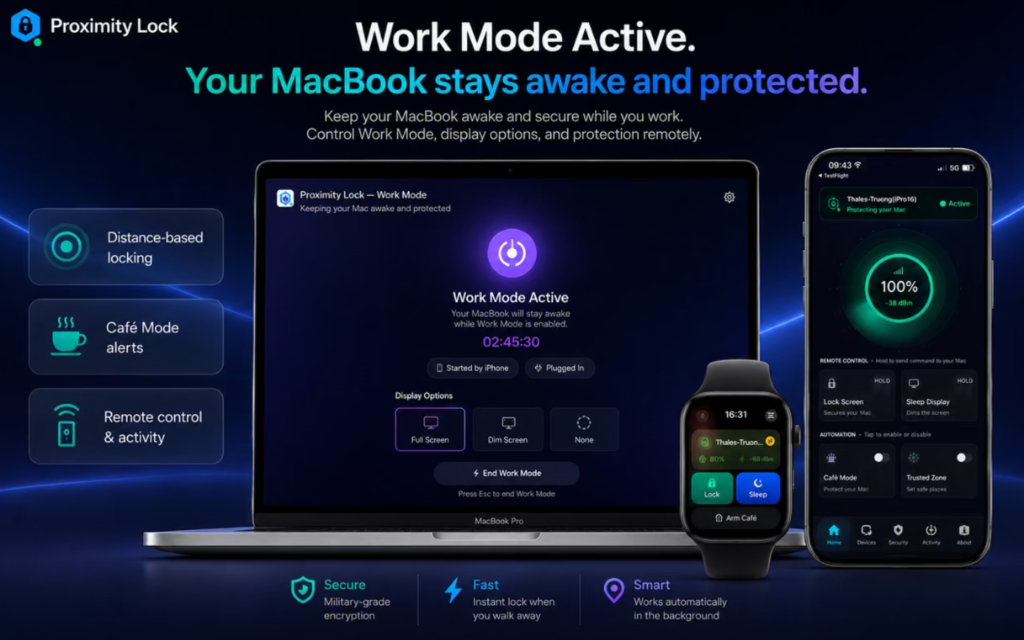
Work Mode: Stay Awake & Protected
- Introduced an enhanced Work Mode experience for more focused and uninterrupted productivity.
- Improved the overall Work Mode experience with better stability and usability.
- Refined various interface elements for a smoother experience.
- General performance improvements and bug fixes.
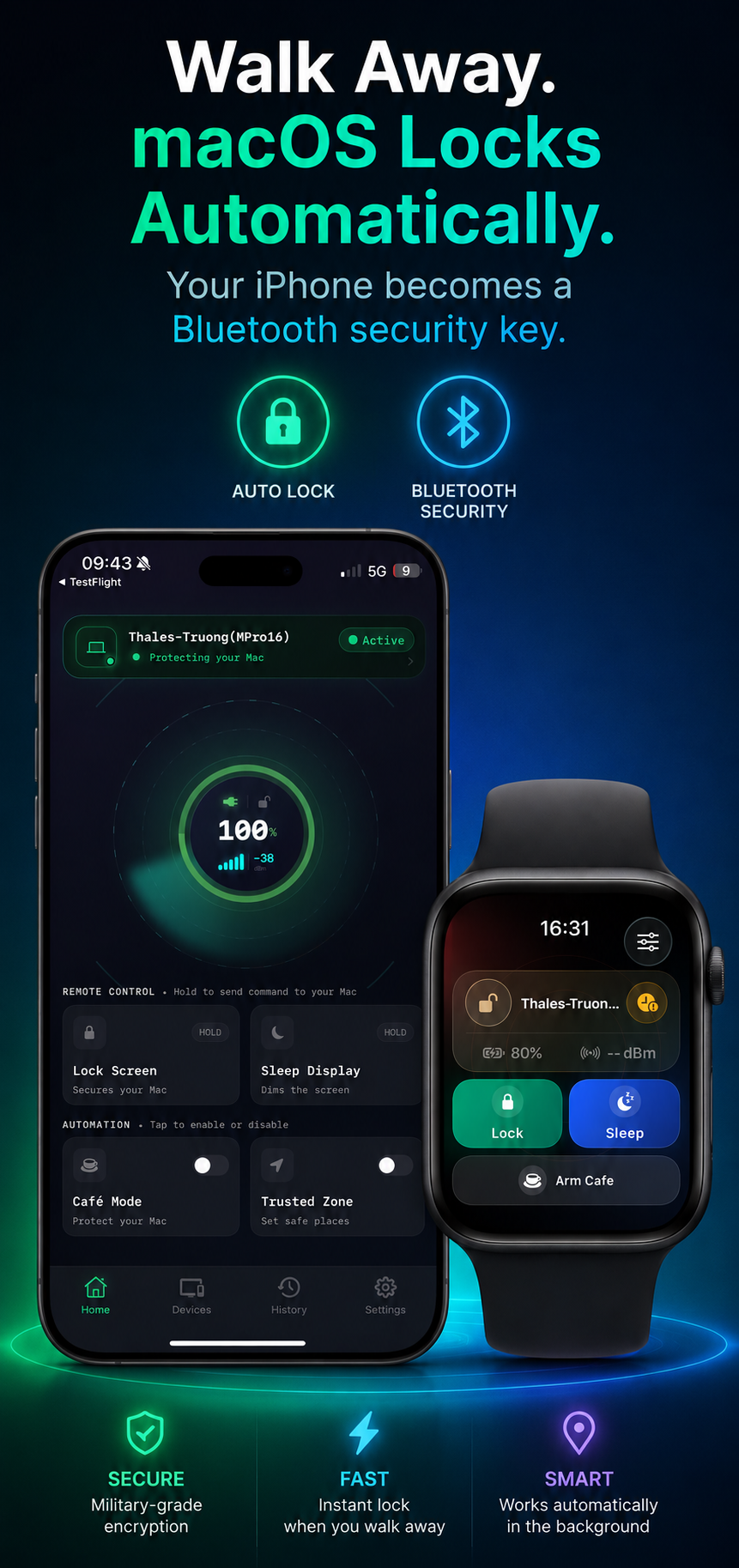
"Keep your MacBook awake and secure while you work. Control Work Mode, display options, and protection remotely."
v1.0.8
July 14, 2026
Auto-Lock & Café Mode: Big Reliability Upgrade
- Auto-Lock now reconnects automatically after Bluetooth is turned off and back on — no need to pair your devices again.
- Added state restoration so protection resumes automatically after your iPhone restarts.
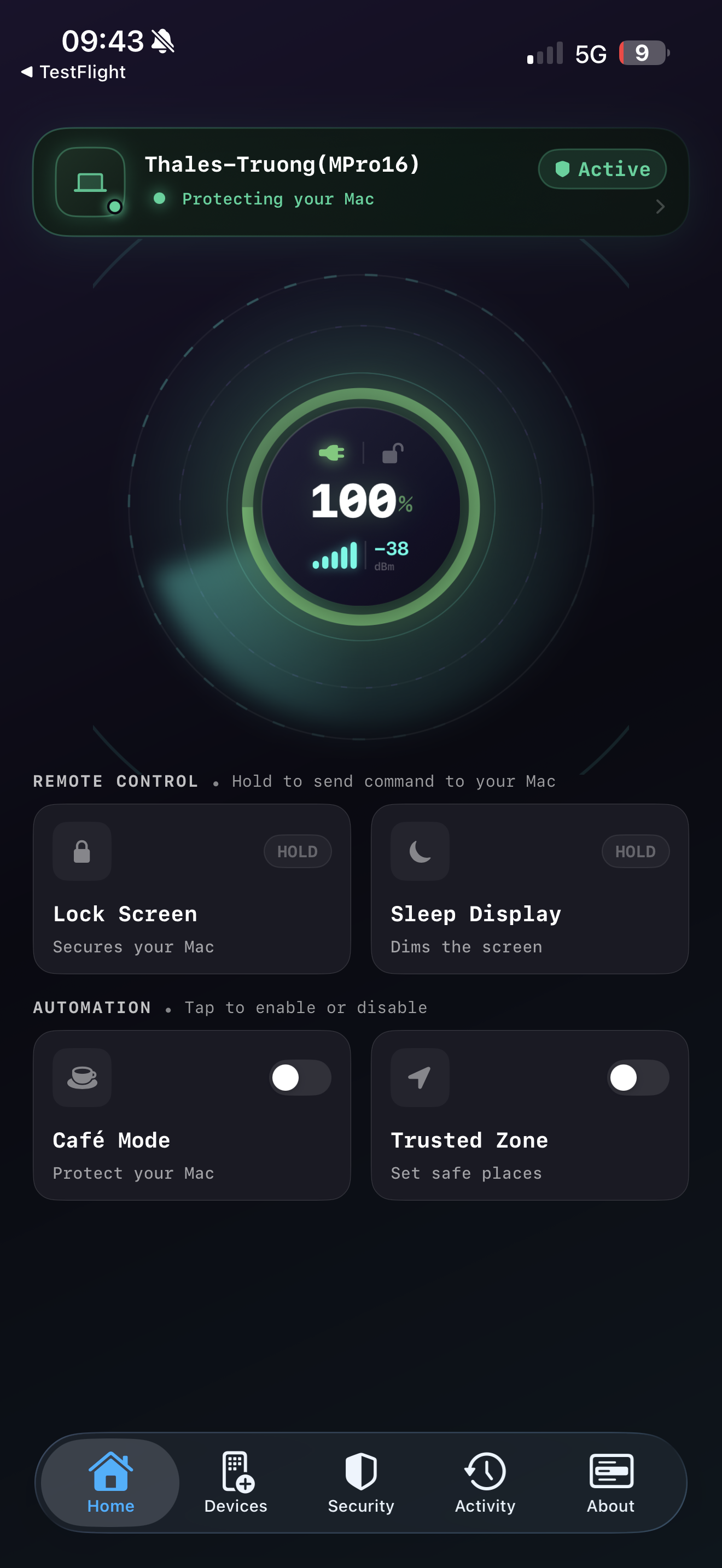
- Café Mode's Protected screen now shows your MacBook's live signal strength and estimated distance.
- You can now disarm Café Mode straight from your Apple Watch or the Home Screen widget.
- Fixed an issue where a stale Bluetooth connection could delay Auto-Lock from activating.
"Thanks for trusting Proximity Lock — pair once, and let Auto-Lock and Café Mode do the rest."
v1.0.7
July 8, 2026
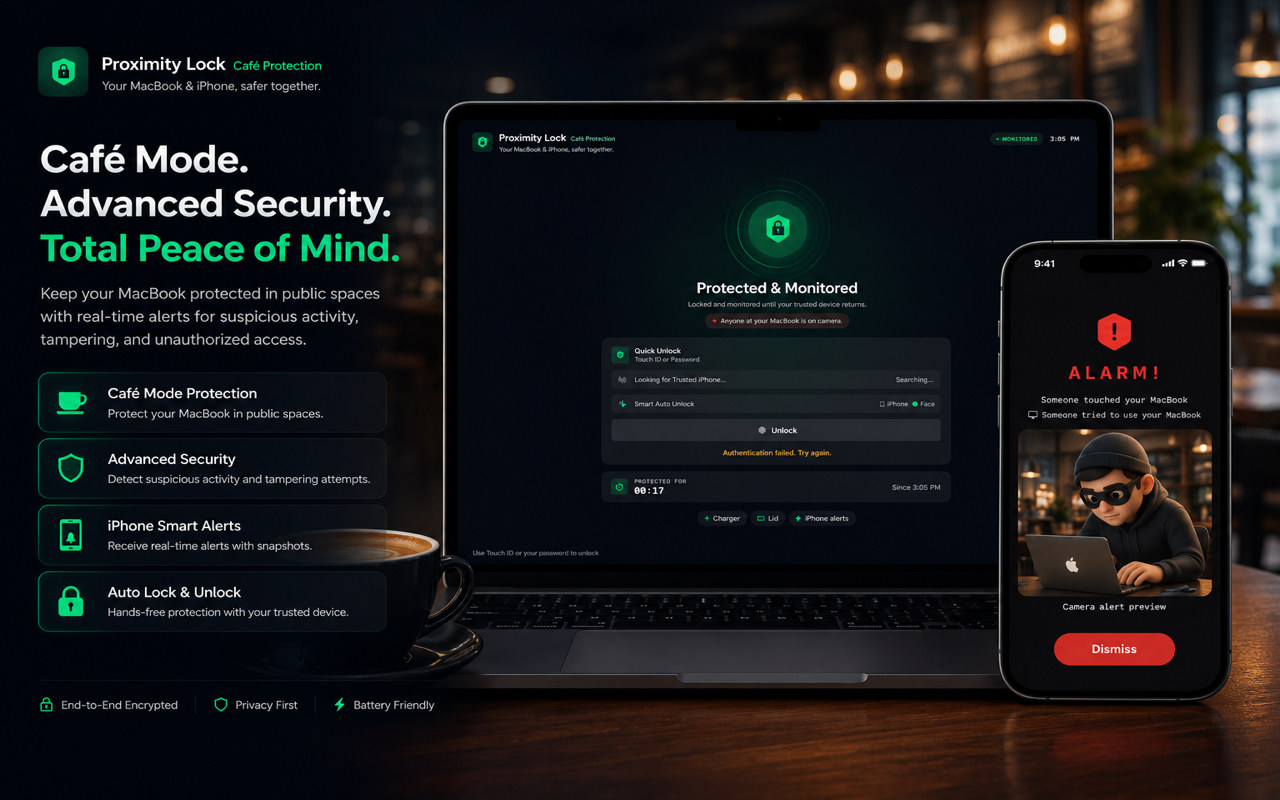
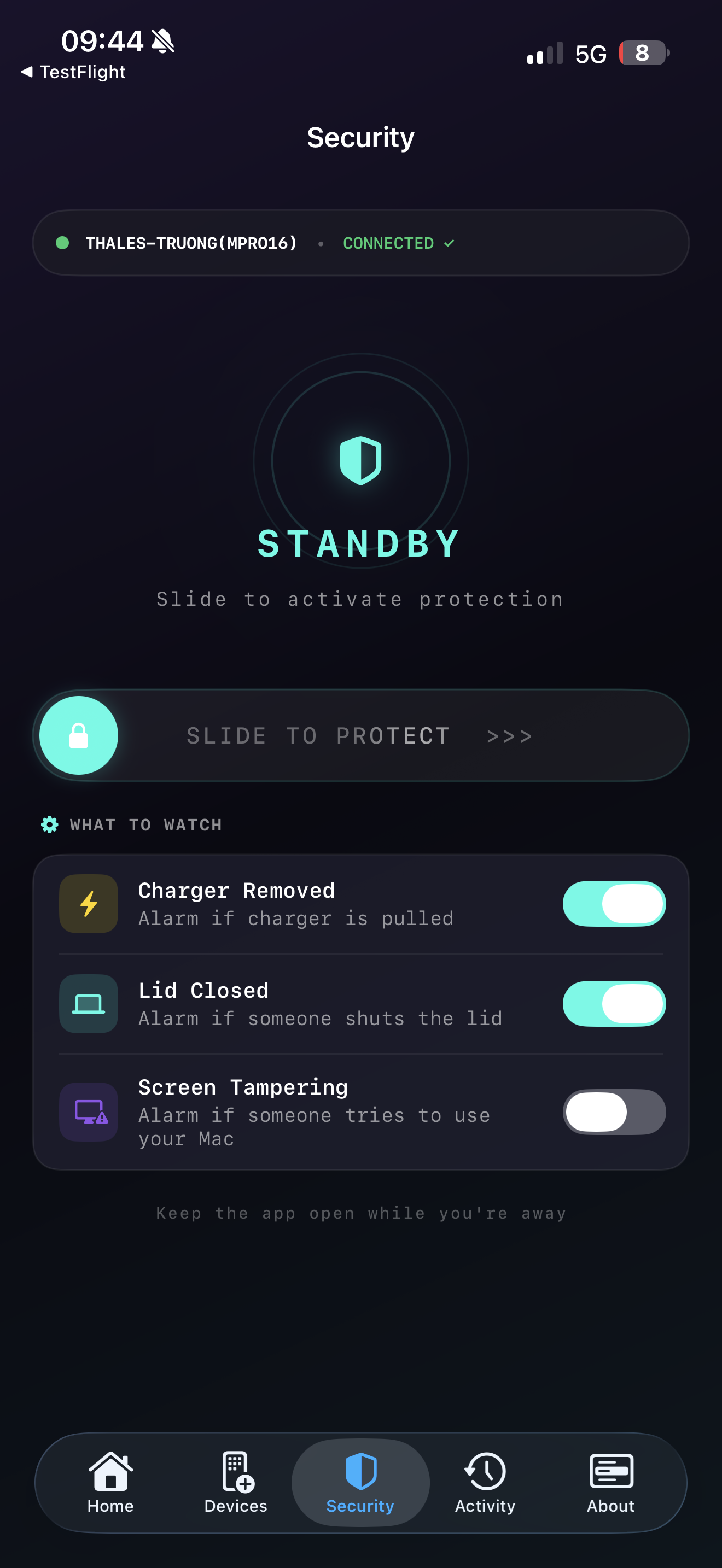
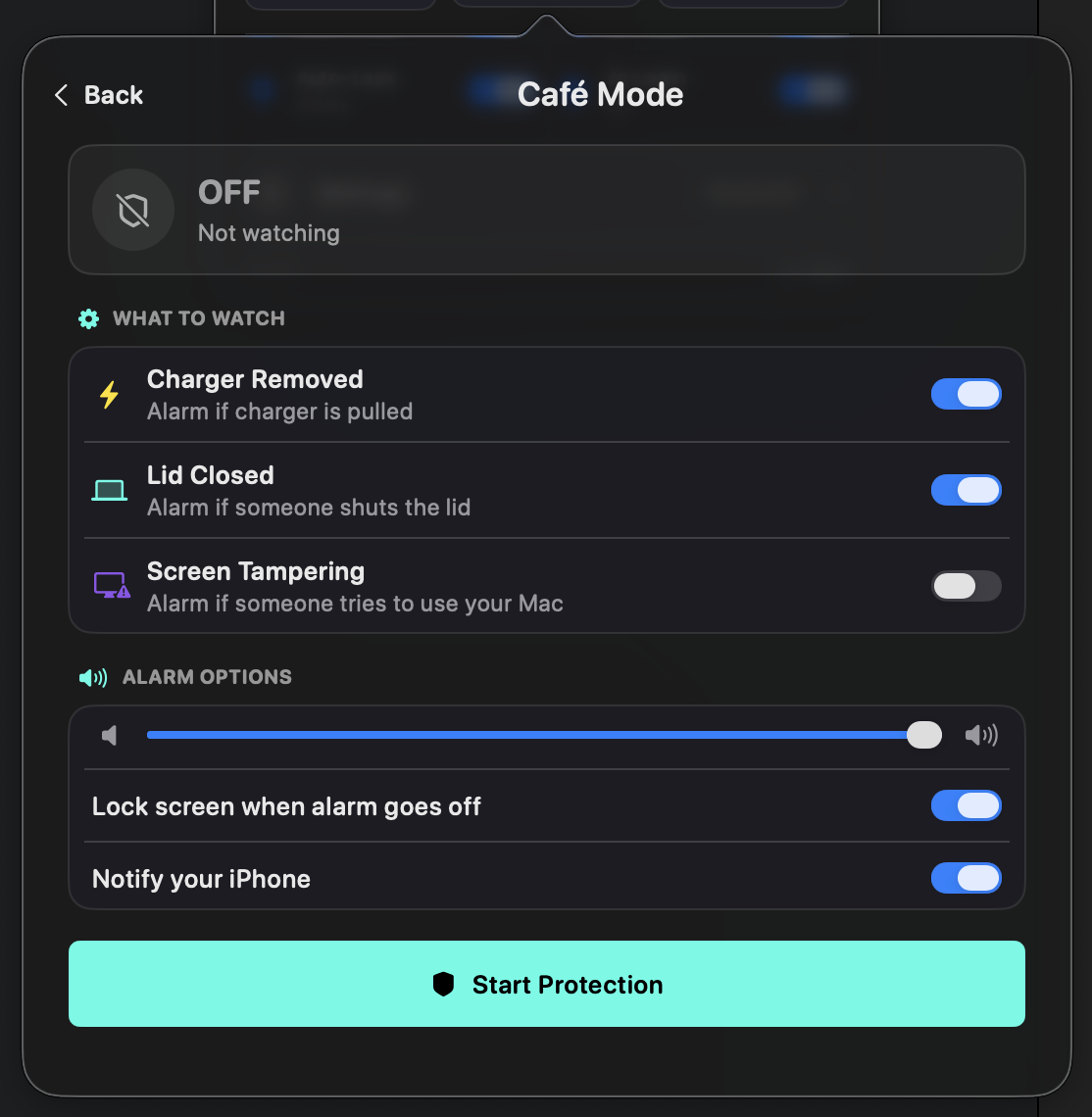
Café Protection Mode Is Here!
- Keep your MacBook protected while you step away.
- Stay connected with your MacBook in real time.
- Receive alerts the moment suspicious activity is detected.
- View protection status directly from your iPhone.
- Improved connection stability and overall performance.
This update also includes bug fixes and reliability improvements.
v1.0.0 – v1.0.3
March – May 2026
Getting Started
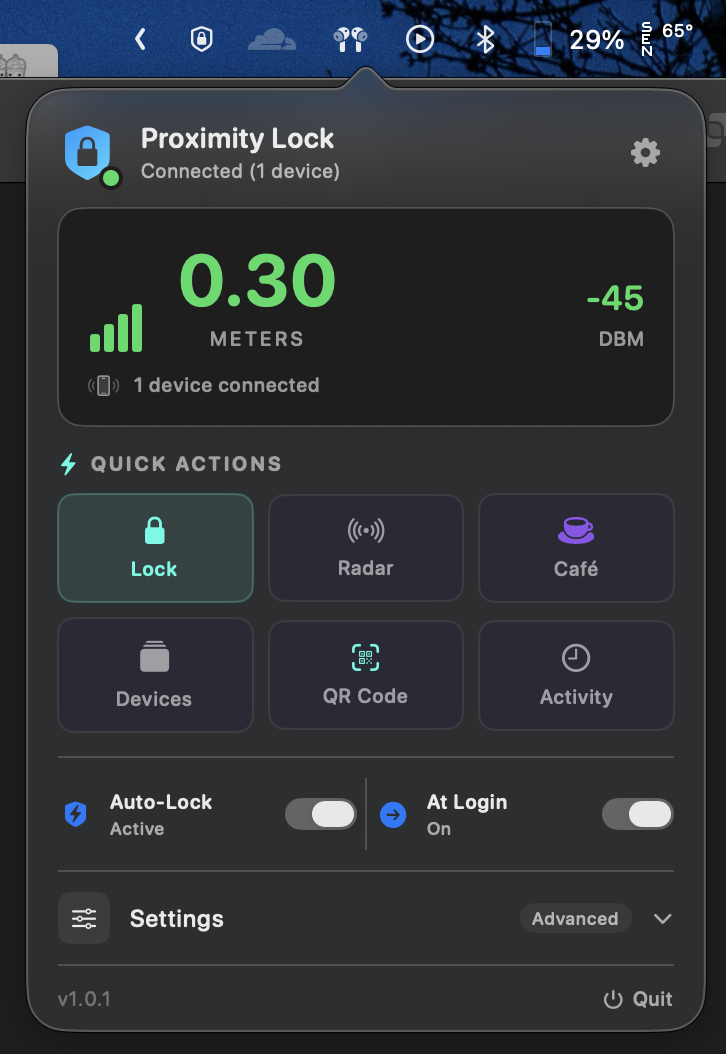
Proximity Lock's first releases on the App Store — core Bluetooth proximity Auto-Lock, iPhone ↔ Mac QR pairing, and the first rounds of connection-stability fixes that every update since has been built on.